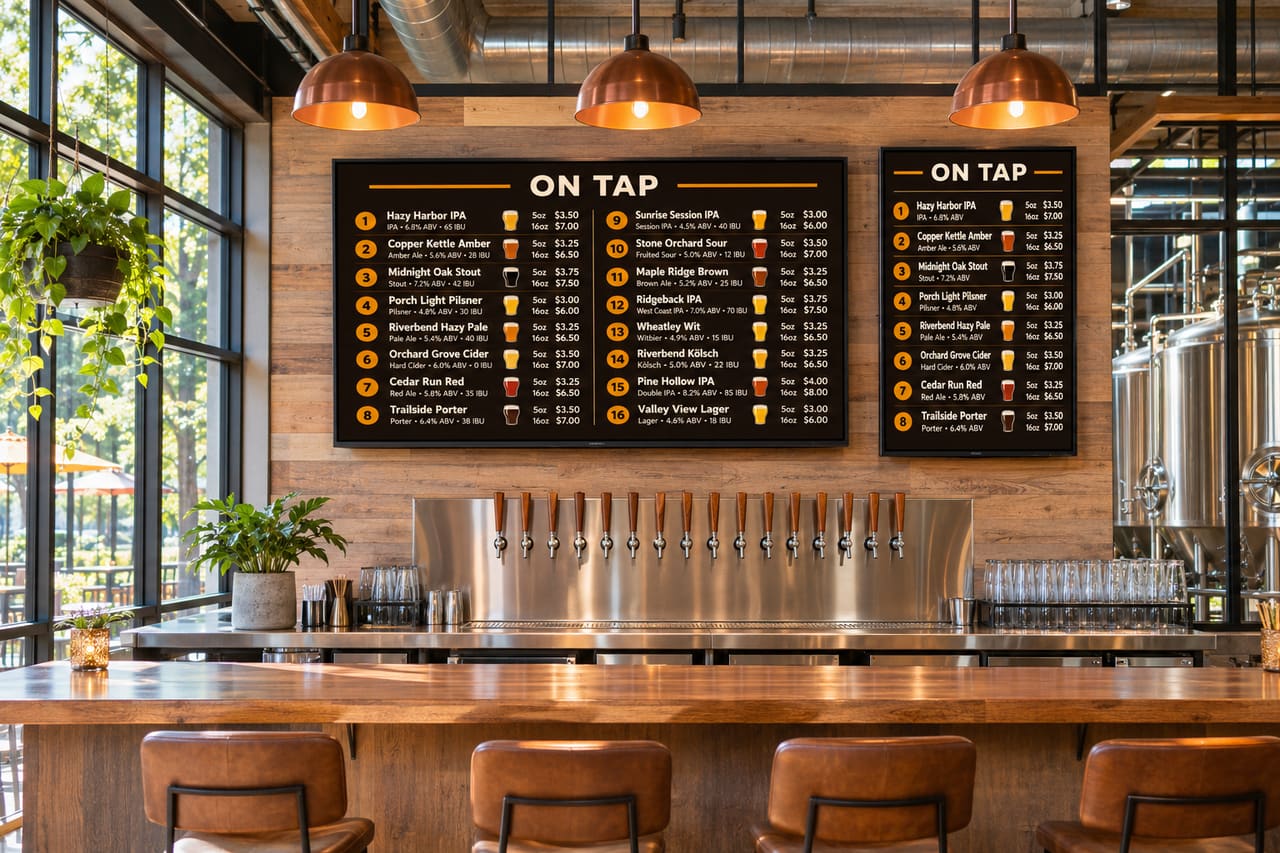
You don't need an expensive display to run a great menu board, but a few choices make a real difference to readability and how long the screen lasts. This guide skips model numbers (they change every year) and focuses on what to look for.
Size: start from viewing distance
Measure from the screen to where most guests stand when they choose a beer. Rough guide for a landscape menu with 10 to 12 beers per page:
| Typical viewing distance | Comfortable screen size |
|---|---|
| Up to 8 ft (bar rail) | 43–50 in |
| 8–15 ft | 50–65 in |
| 15–25 ft | 65–75 in, or two screens |
| Over 25 ft | 75 in+, or fewer items per page |
These are starting points, not rules. A big list on a small screen can always be fixed by paginating; a too-small screen can't be fixed by software.
Resolution: 4K is fine, 1080p is fine
Menu text is large, so 1080p panels look sharp at normal distances. 4K is now standard on most sizes anyway and costs little extra. Don't pay a premium for HDR, high refresh rates or gaming features; they do nothing for a menu.
Panel type: avoid OLED for menus
OLED TVs look fantastic, but a menu is a mostly static image on screen for many hours a day. That's the exact pattern that causes burn-in (permanent ghosting). Standard LED/LCD panels, including QLED and mini-LED, don't burn in the same way and are the safer choice.
Brightness and glare
- Dim taprooms: almost any TV is bright enough. Turn brightness down a bit so the screen doesn't glare.
- Near windows or patios: look for higher brightness. Commercial displays commonly list brightness in nits on the spec sheet; consumer TVs often don't.
- Glossy vs matte: glossy screens reflect windows and pendant lights. Check reflections at the mounting spot before you drill.
Consumer TV or commercial display?
Commercial displays (Samsung, LG, Sony and others all make them) are built to run for long hours, often support portrait mounting officially, and come with warranties written for business use. They cost more.
Consumer TVs are cheaper and work fine for many taprooms that are open eight to twelve hours a day. Two things to check:
- Warranty terms. Many consumer TV warranties limit or exclude commercial use. Read the warranty before you rely on it.
- Auto power-off and eco modes. Some TVs switch themselves off after a few hours without remote input. Look for a setting to disable it.
Portrait screens
A portrait (vertical) screen fits a long tap list in narrow spaces like a column or a pillar beside the taps. Before mounting a consumer TV sideways, check that the manufacturer allows it: some don't, for cooling reasons. Commercial displays usually state portrait support. Set your menu software to portrait so the layout matches.
The streaming stick matters more than the TV brand
The TV's own smart platform varies a lot by brand and year. A separate player gives you a consistent setup across every screen and is cheap to replace:
- Amazon Fire TV Stick 4K / Amazon Signage Stick: our recommendation for most taprooms.
- Google TV streamer or a Google TV set: good alternative.
- Roku: works, best when the menu changes a few times a day rather than every minute.
Quick checklist
- LED/LCD, not OLED
- Size from the viewing-distance table
- Check glare at the mounting spot
- Read the warranty for commercial use
- Disable auto power-off
- Separate streaming stick powered from the wall
When the TV is up, our TV menu setup guide walks through the rest, and the TV apps page lists every supported device.